
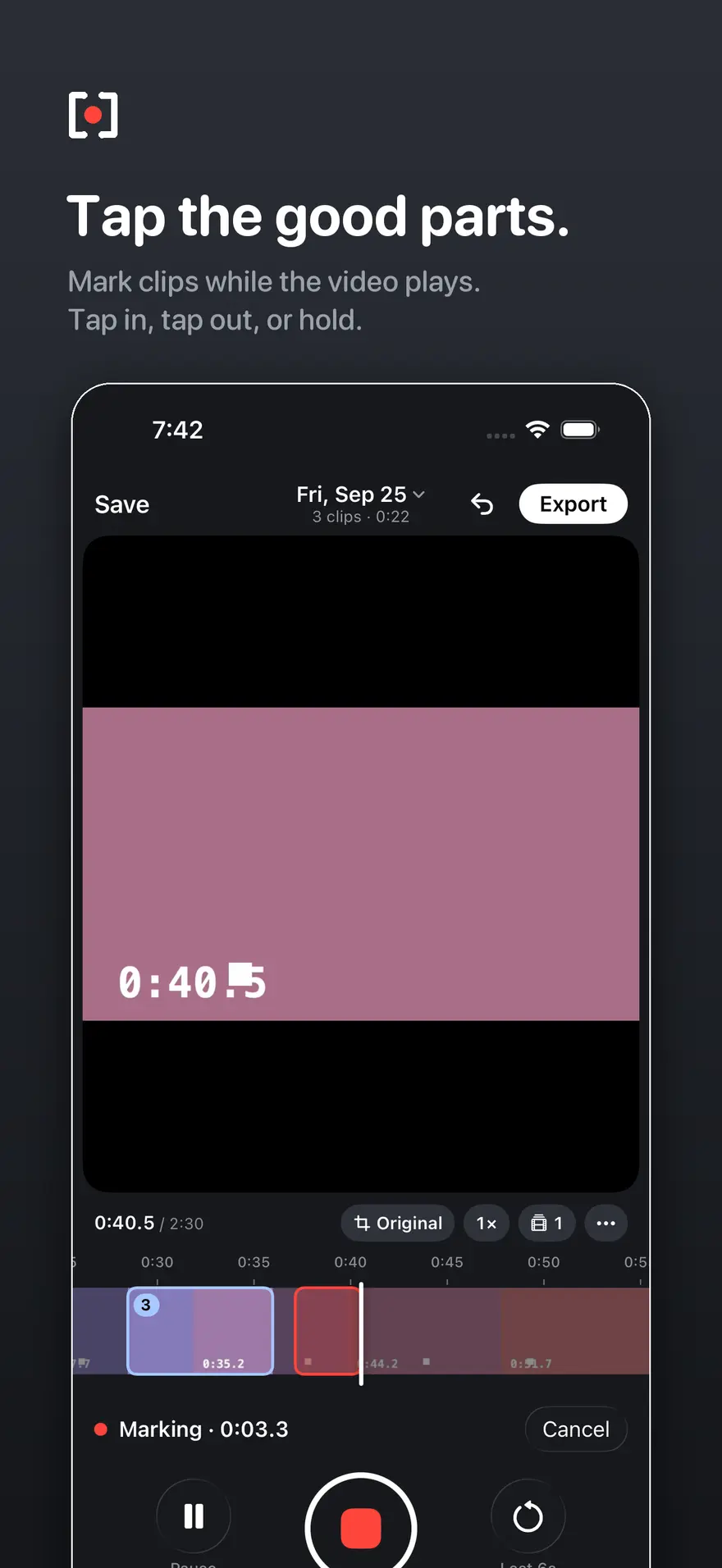
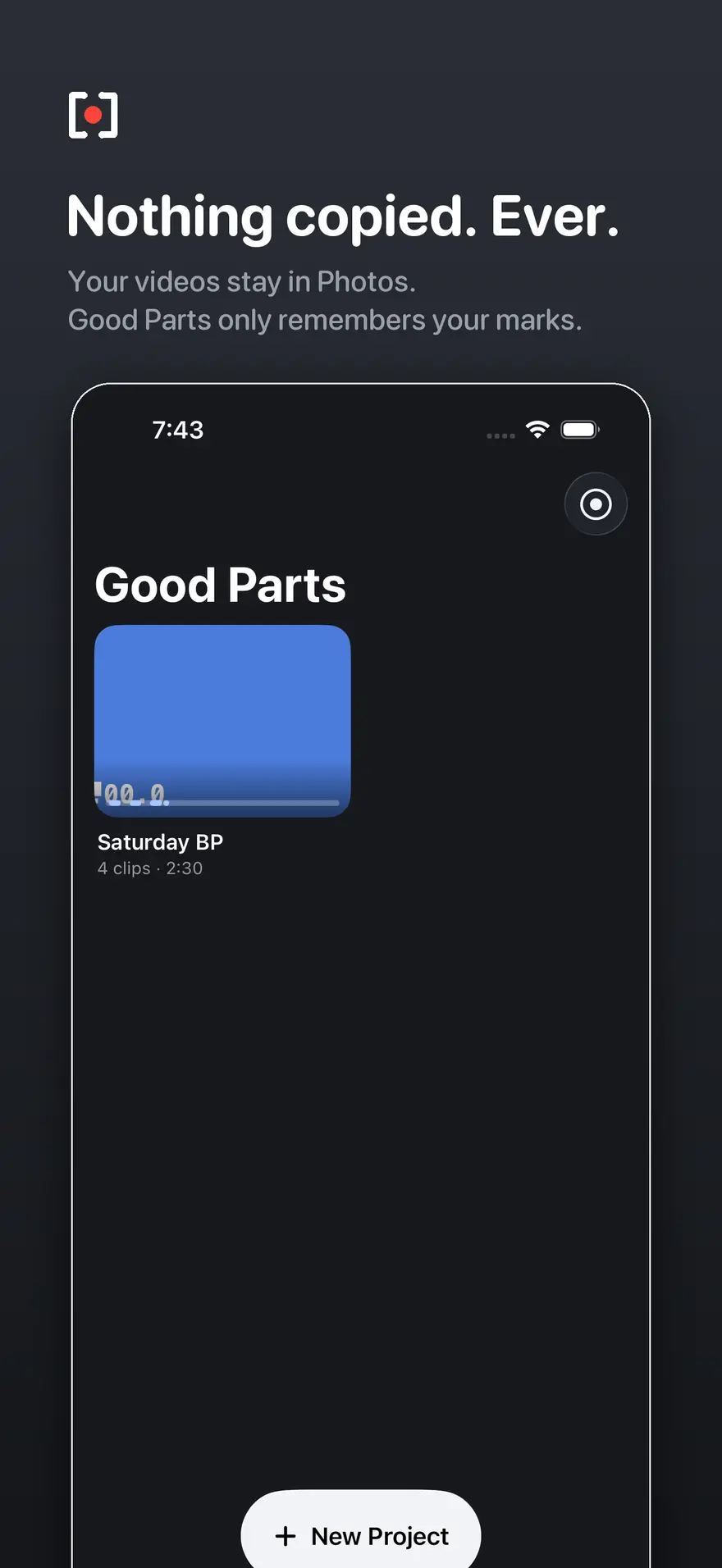
You filmed the whole practice, and the good swings are buried in fifteen minutes of waiting. The Good Parts lets you watch the video once, tap the moments worth keeping, and walk away with just those, as separate clips or one finished video.
How it works
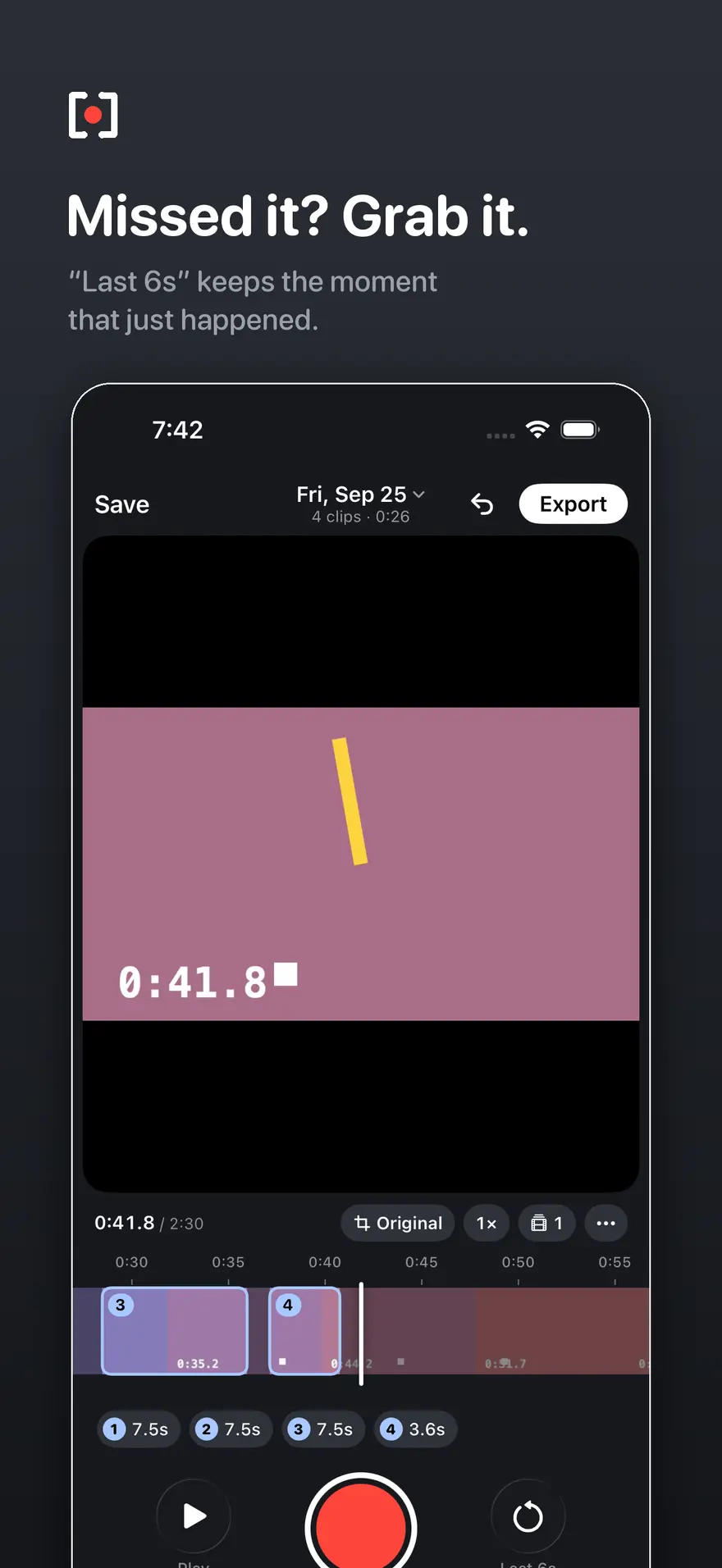
Pick a video from Photos and play it. Tap the red button when a moment starts and again when it ends, or hold it through the moment. If you were a second late, Last 6s keeps what just happened. Trim any clip with handles that show the exact frame, and put several videos from one session on a single timeline.
You can also record inside the app and mark while you film, or press the Action Button during a normal Camera recording and open the video later with the moments already marked.
Finish it your way
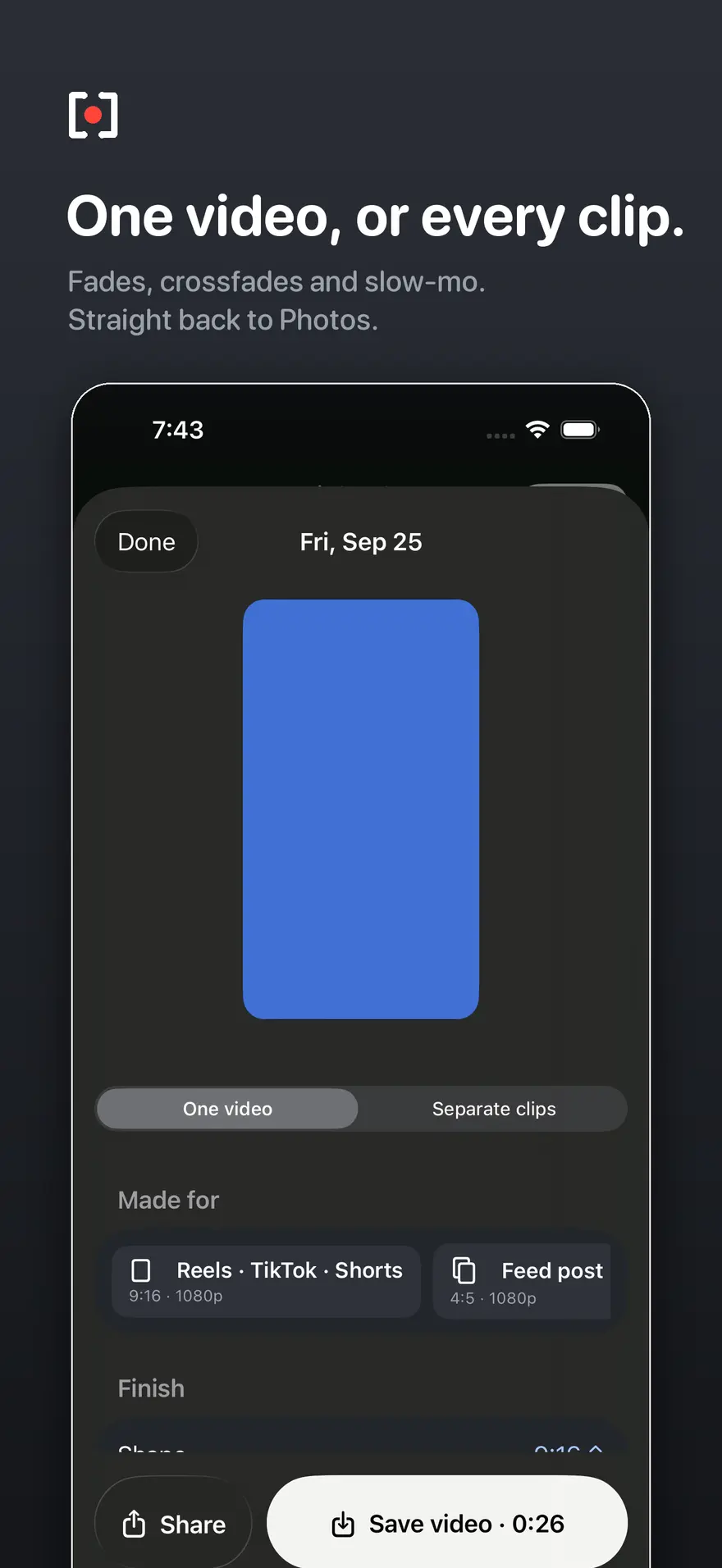
- Export every clip on its own, or stitch them into one video with crossfades and fades.
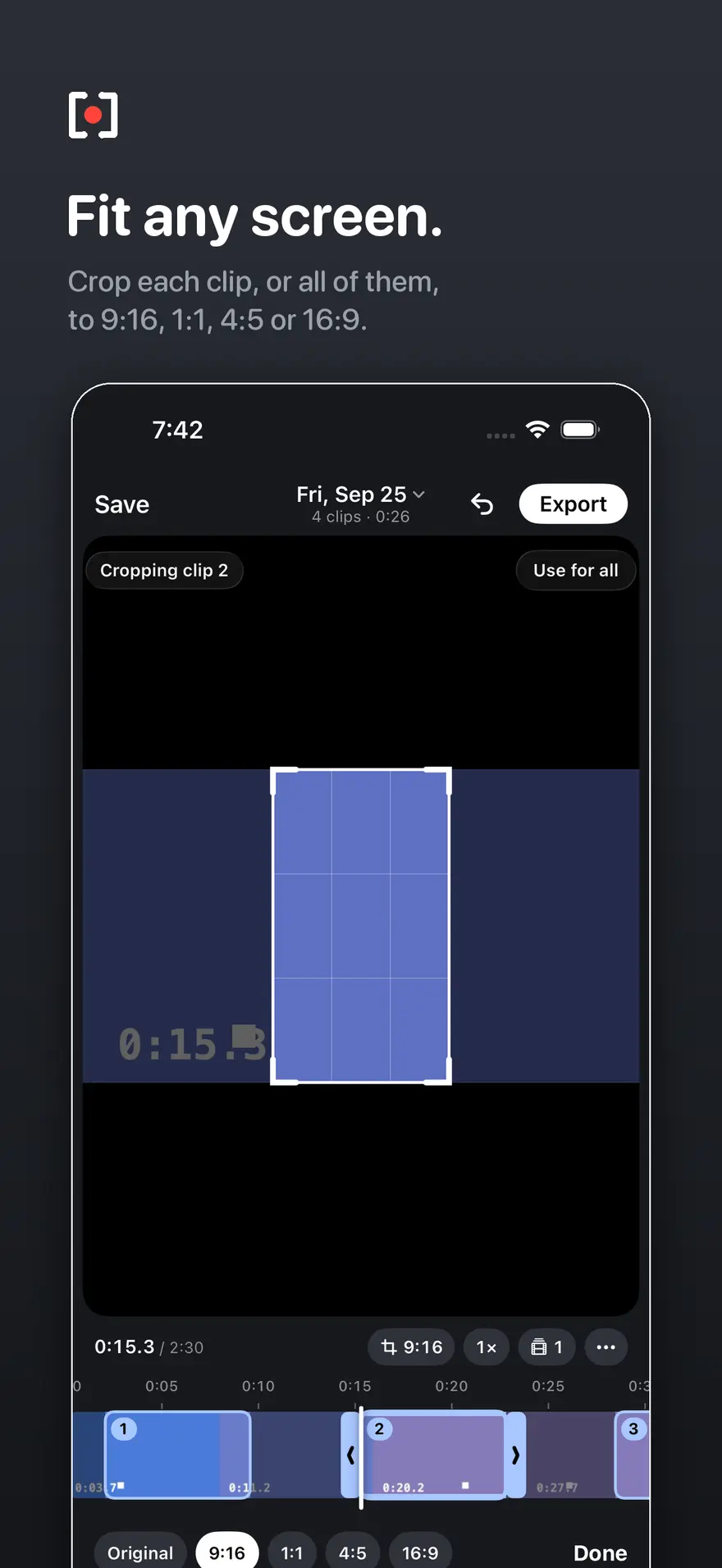
- Crop each clip, or all of them, to 9:16, 1:1, 4:5 or 16:9. The app can frame on the player for you.
- Slow clips down, with a ramp or a steady speed. On supported iPhones, Smooth adds in-between frames for crisp 60 fps, Filmic adds natural motion blur, and Ultra is the softest and slowest to save.
- Add a title card, music from Files, and "Made for" presets for Reels, TikTok, Shorts, feed posts and team chat.
- Save back to Photos with the original date and place, or use Share.
Who it is for
Parents and coaches who film youth sports, then anyone with a long video and a few good moments: recitals, lectures, rides.
Private by design
No account, no ads, no analytics and no uploads. Your videos stay on your device.